Step one
Install Remotle on a PC or Mac
Kiosk terminal support is on by default.
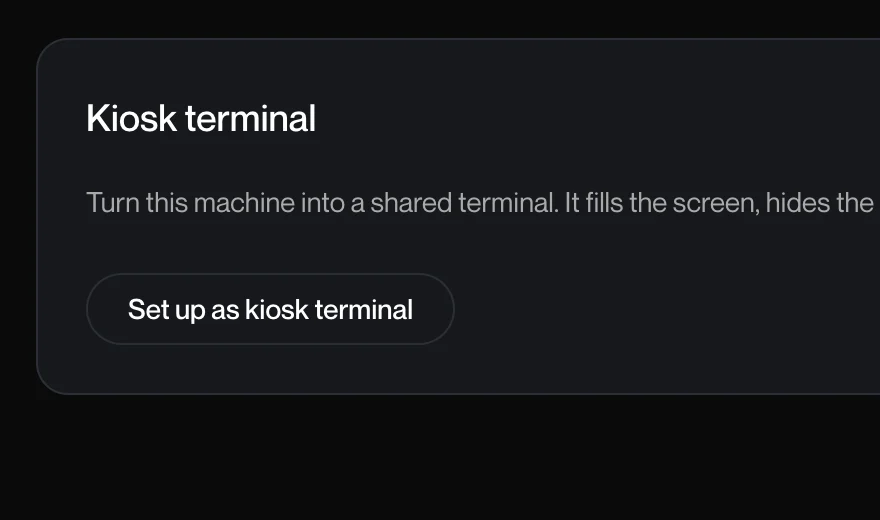
Kiosk mode turns a Windows PC or Mac you already have into a terminal that starts straight into Remotle and does nothing else. It is included in your Remotle licence.
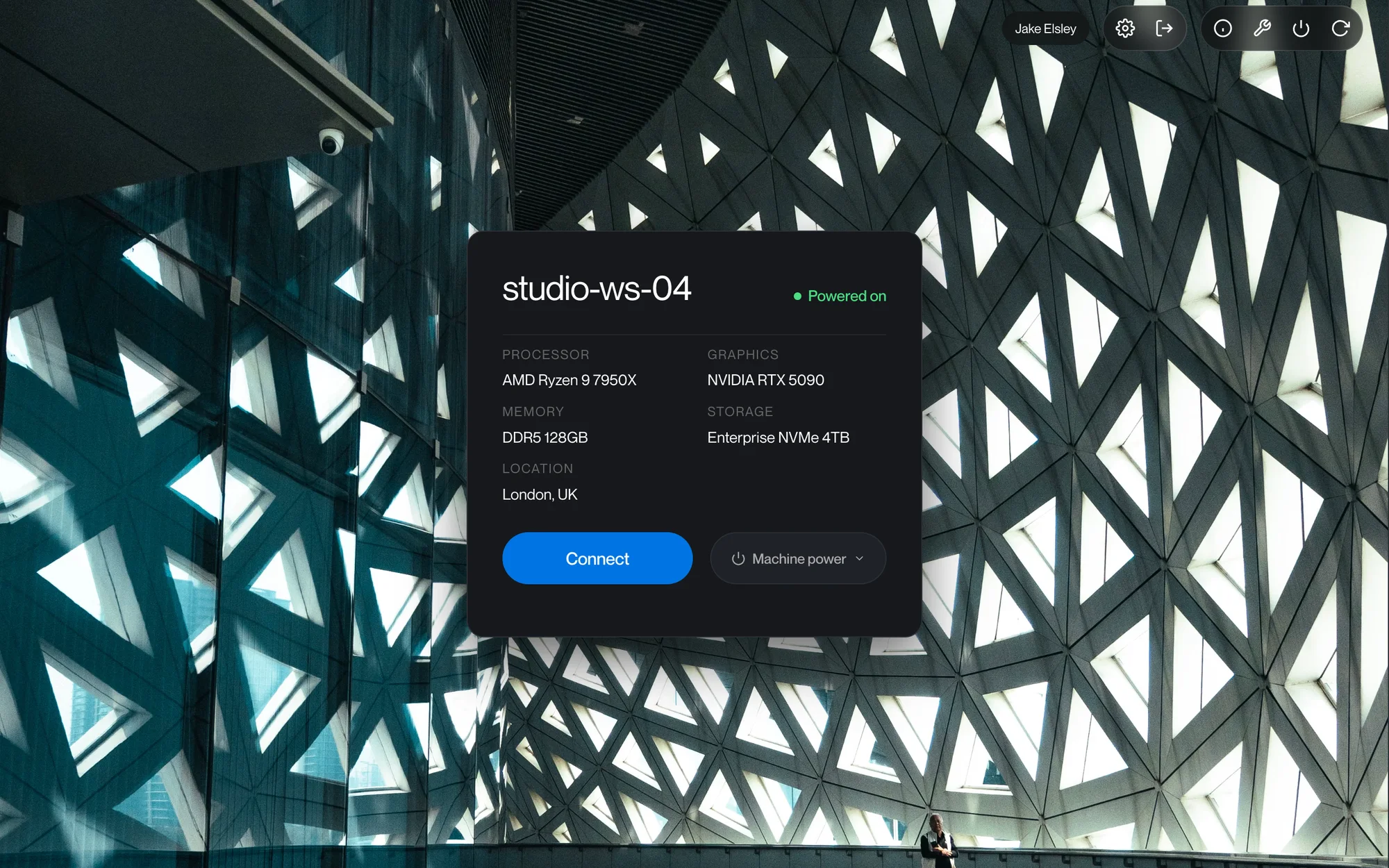
Kiosk terminal support is on by default.
An administrator enters the code in the console to claim the terminal.
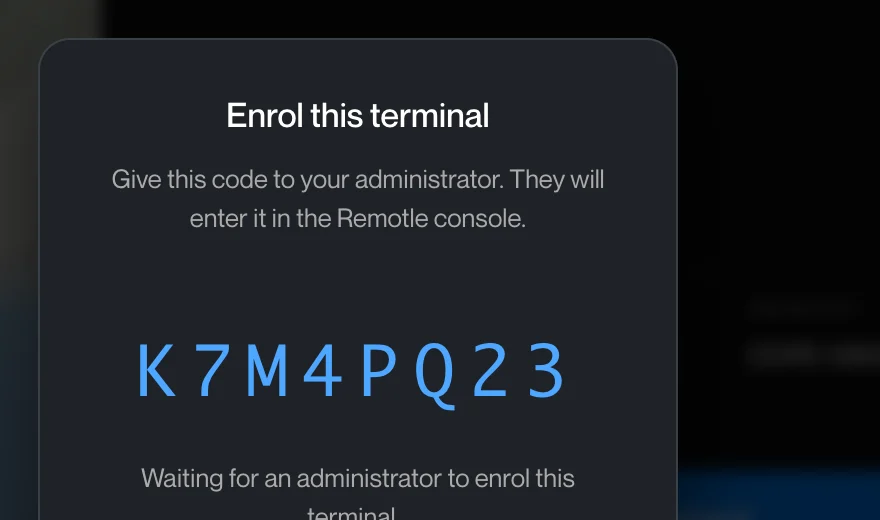
Ready for whoever sits down, after every restart.
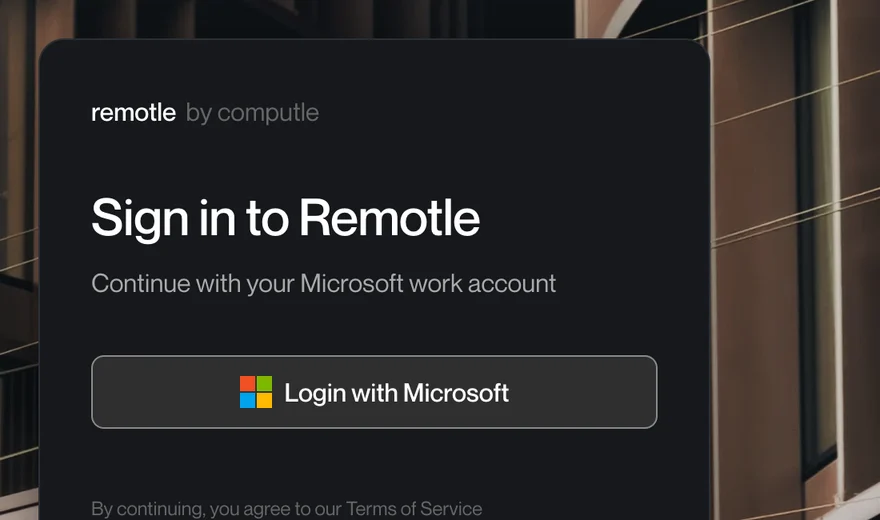
A locked account whose only program is Remotle. Close it and it comes straight back.
Run, Control Panel, settings, the browser, the command prompt, registry tools and USB storage are blocked.
The work stays on the workstation. A terminal left in a meeting room holds no project files.
The kiosk account is created and managed by Remotle, with a random password nobody sees.
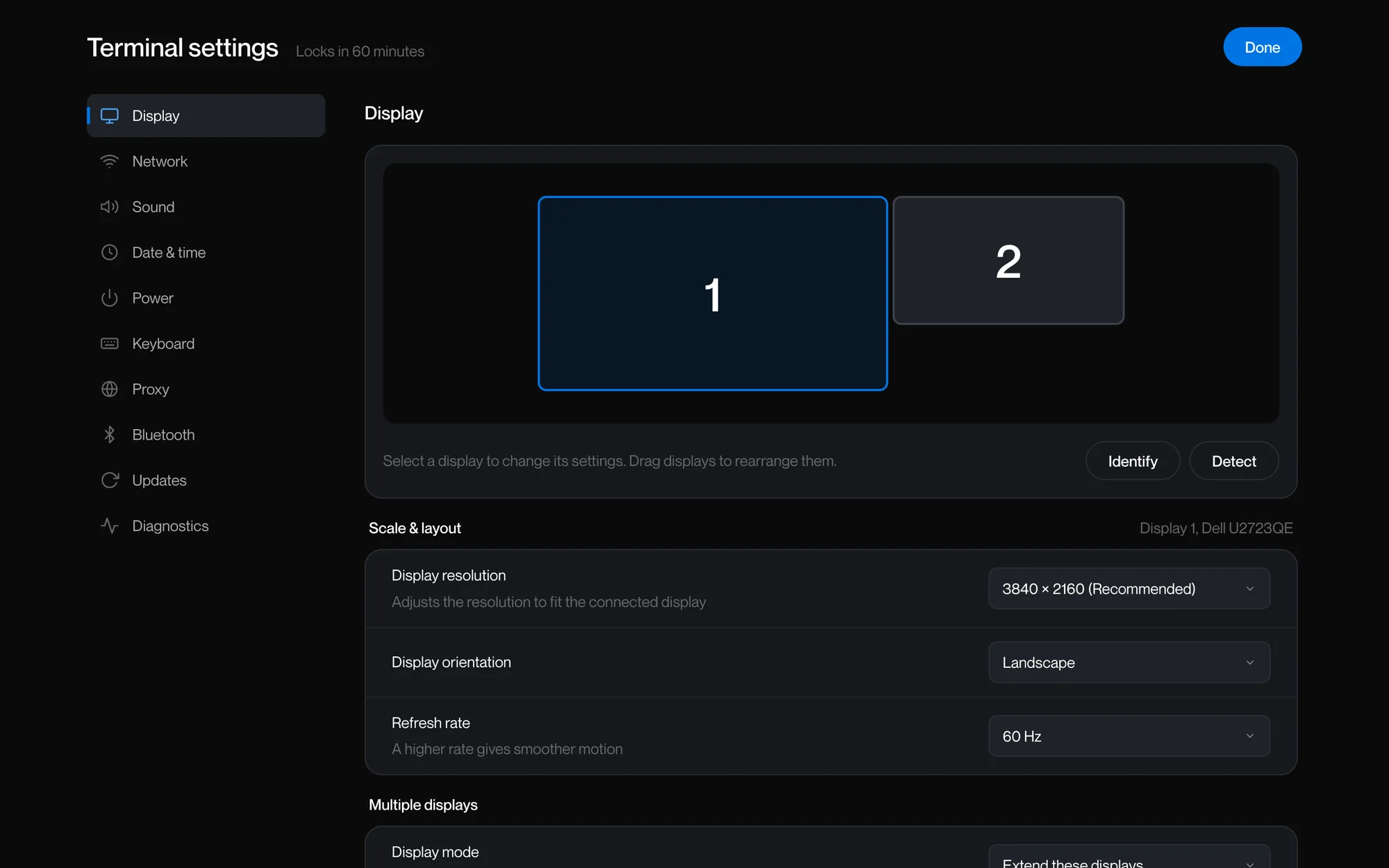
Your IT team opens Terminal settings with the terminal's own maintenance password, to change the display, network, sound, power, keyboard, proxy and updates. Nobody needs an administrator account on the machine.
Removing a terminal from the console puts the computer back exactly as it was.




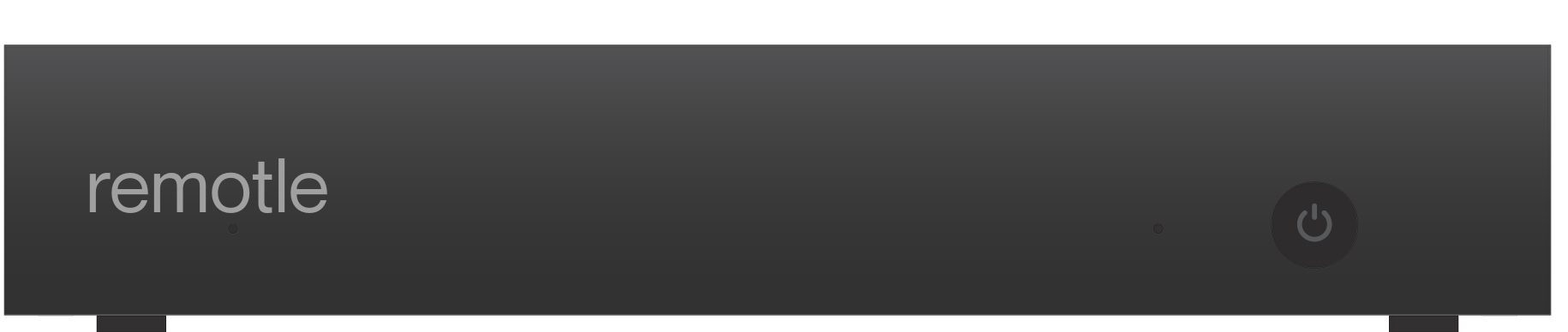
A small zero client for the desk.
Install Remotle on a Windows PC or Mac you already have and enrol it with a code. Kiosk mode is included in your licence.
Microsoft, Windows, Microsoft Teams, Microsoft Entra ID, Microsoft Intune, Zoom, Apple, Mac, macOS, iPad, Apple Pencil, Linux, NVIDIA, Wacom, 3Dconnexion, SpaceMouse, YubiKey, Leostream, Mechdyne TGX, HP Anyware, Teradici, Amazon DCV, Parsec, Dell Wyse ThinOS, IGEL OS and Stratodesk are trademarks or registered trademarks of their respective owners. Remotle is not affiliated with, sponsored by or endorsed by them.